The current lineup connects two CAN / CAN FD networks.
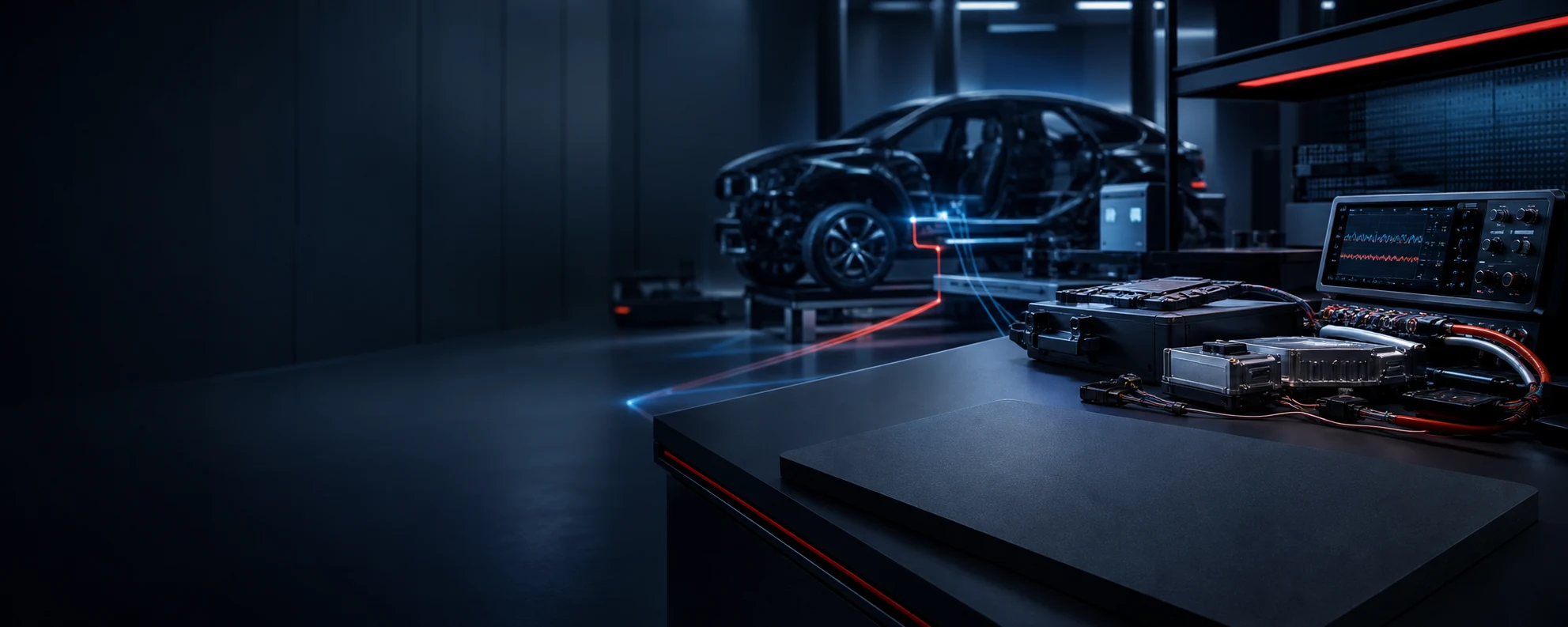
KUNHONG USB-CANFD ADAPTERS
One adaptable USB-CANFD family for development and test
Dual-channel hardware, the CANmeleon platform and three engineering form factors connect portable debugging, automotive test benches and fixed installations.
2 CHCAN / CAN FD
1500 VElectrical isolation
ISO + Non-ISOCAN FD modes
CANmeleonPlatform entry
PRO-X2Automotive test-bench model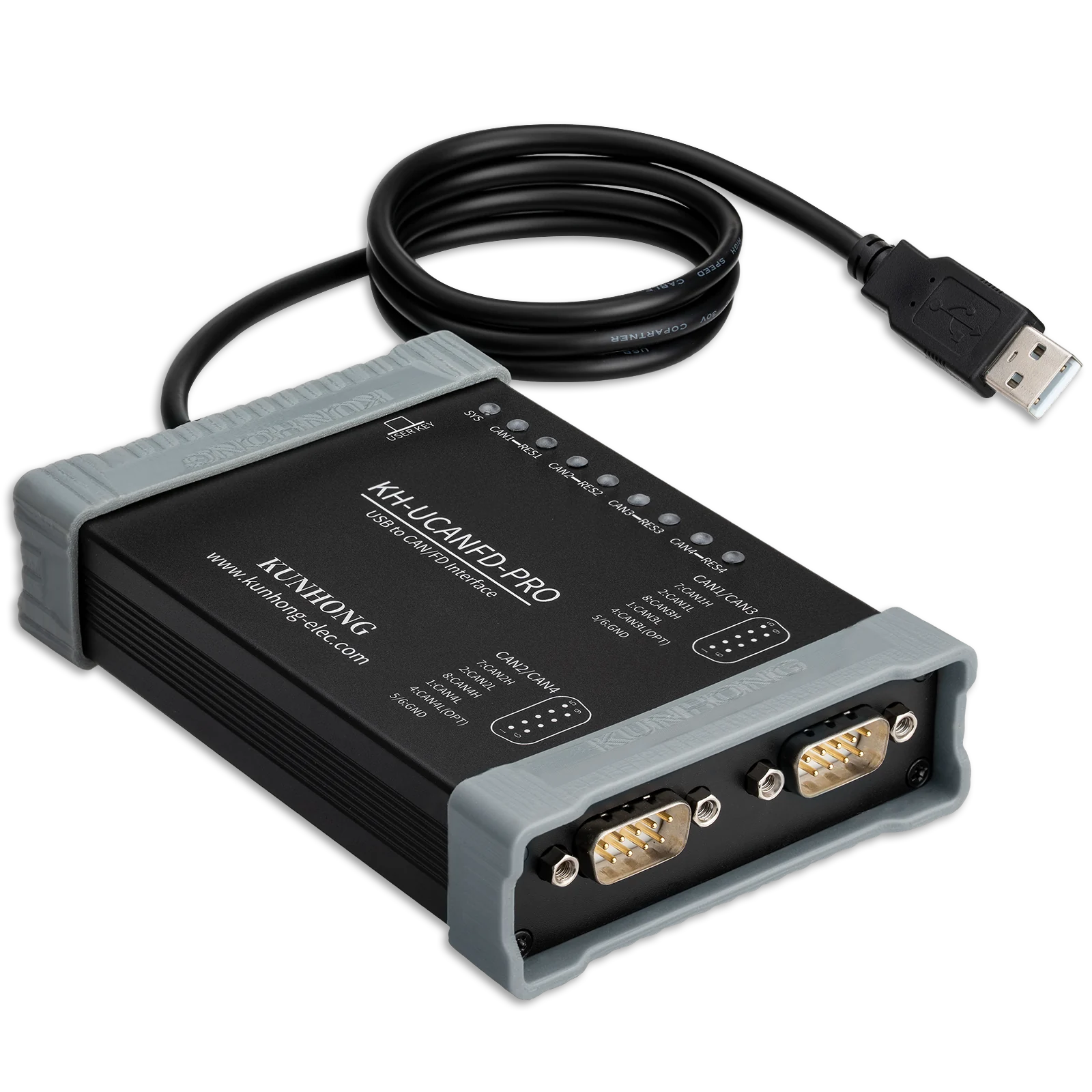
CAN 1CAN 2
Dual-channel CAN FD, isolation and flexible form factors
All three adapters combine dual-channel CAN / CAN FD, 1500 V electrical isolation and the CANmeleon platform, with connection and installation options for mobile debugging, automotive test benches and industrial systems.
Support for classical CAN plus ISO and Non-ISO CAN FD workflows.
Electrical separation between the host and connected bus.
A maintained entry for device and firmware management.
CHOOSE YOUR ADAPTER
Three form factors for different engineering environments
Match the connector, enclosure and installation method to mobile debugging, automotive test benches or fixed deployment.
01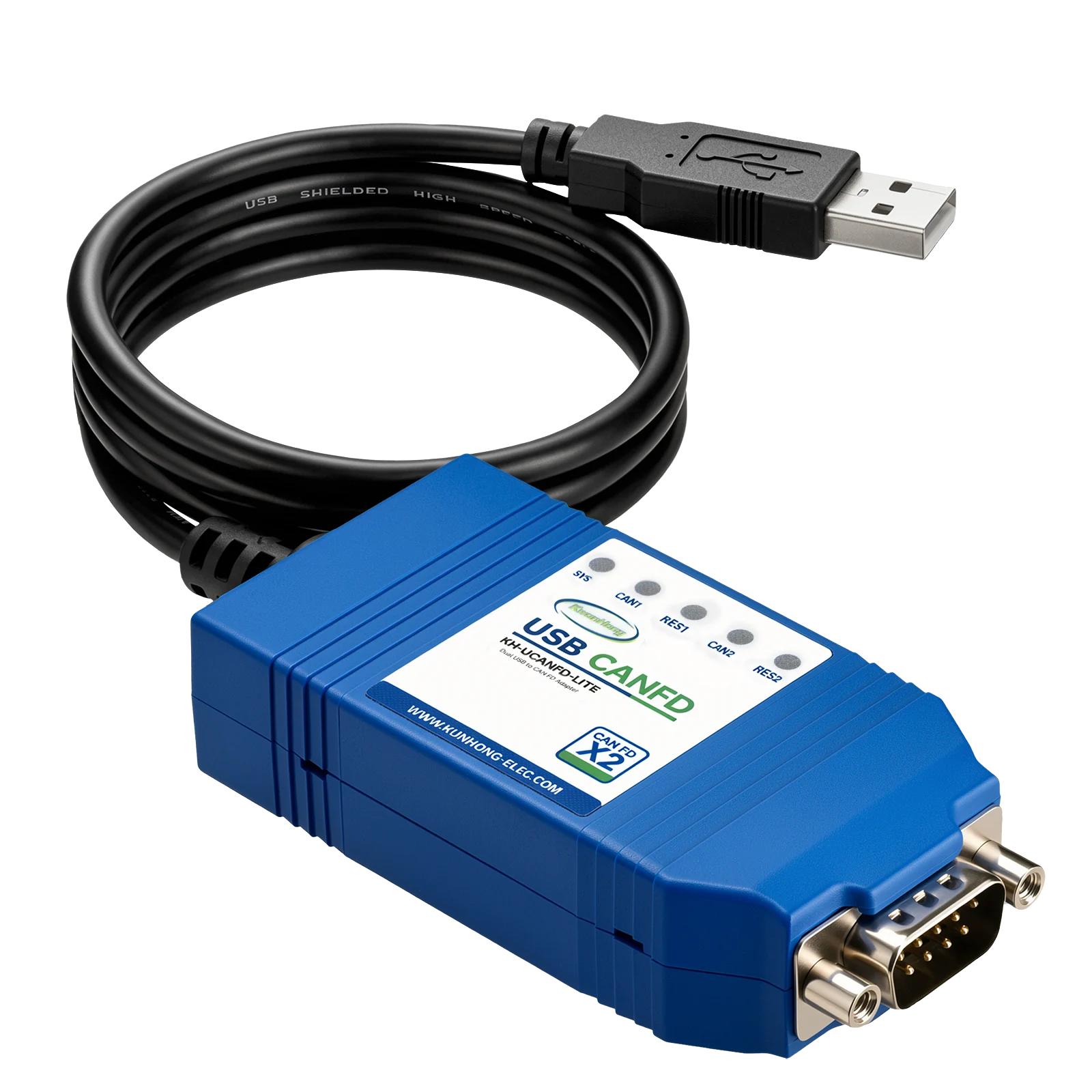
PORTABLE
KH-UCANFD-LITE-X2
A compact dual-channel adapter for mobile and routine debugging.
Current P/NKH-UCANFD-LITE-X2UU · Ultra
- Shared dual-channel DB9
- Integrated USB-A cable
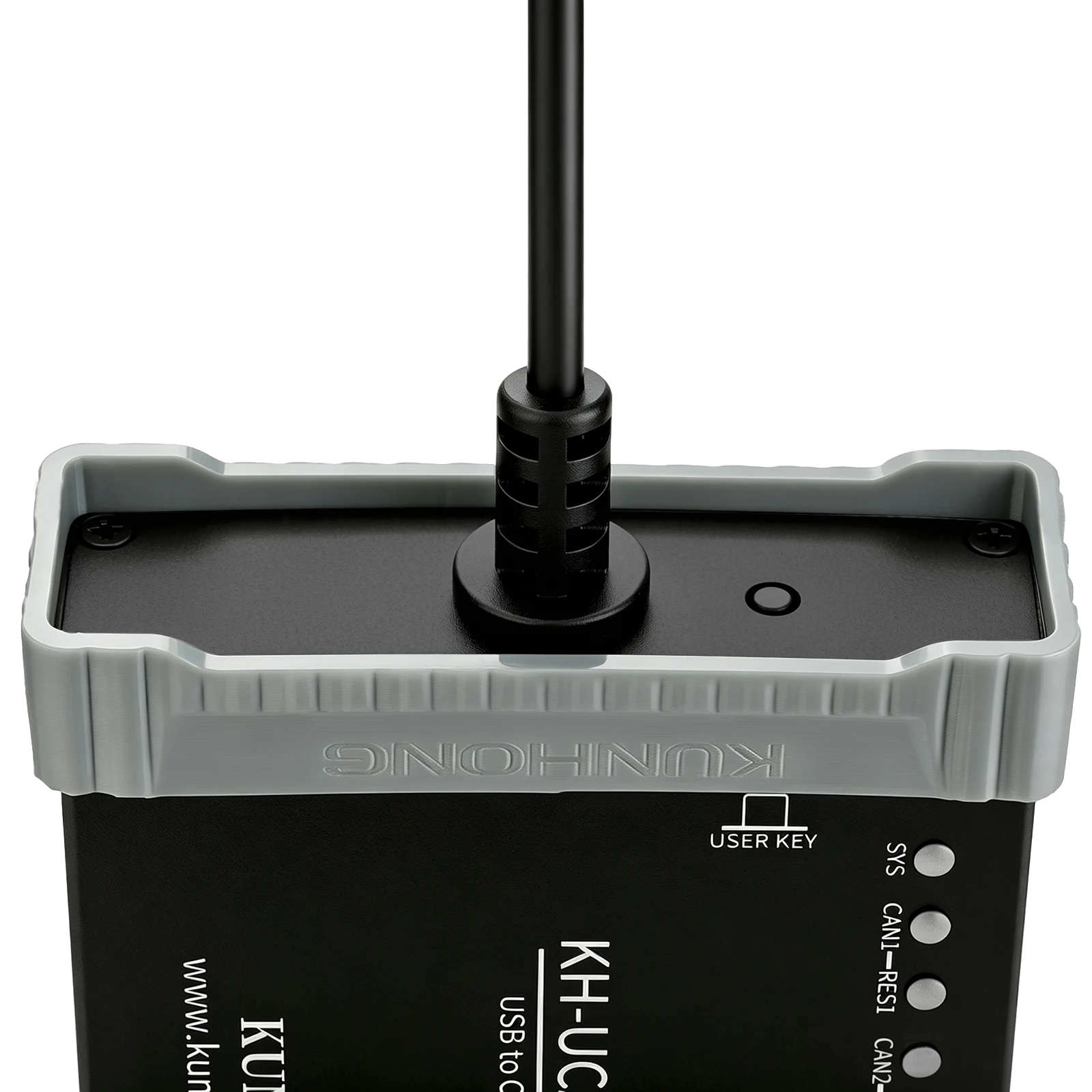
- Button-controlled termination
02
AUTOMOTIVE BENCH
KH-UCANFD-PRO-X2
A metal-enclosure model for automotive development and test benches.
- Two independent DB9 connectors
- Protected metal enclosure
- Visible channel and RES state
03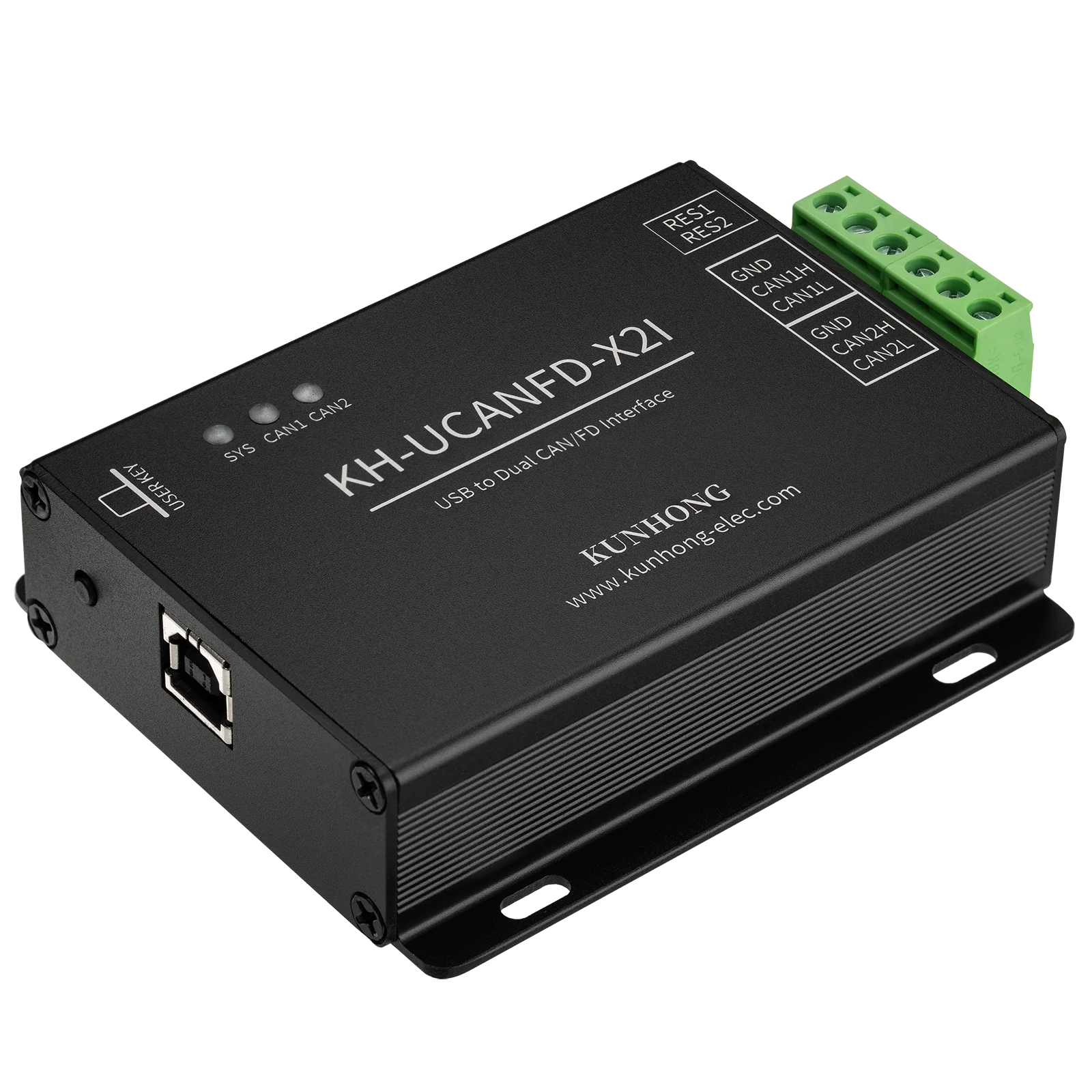
FIXED INSTALL
KH-UCANFD-X2I
A terminal-wired model for industrial and robotics installations.
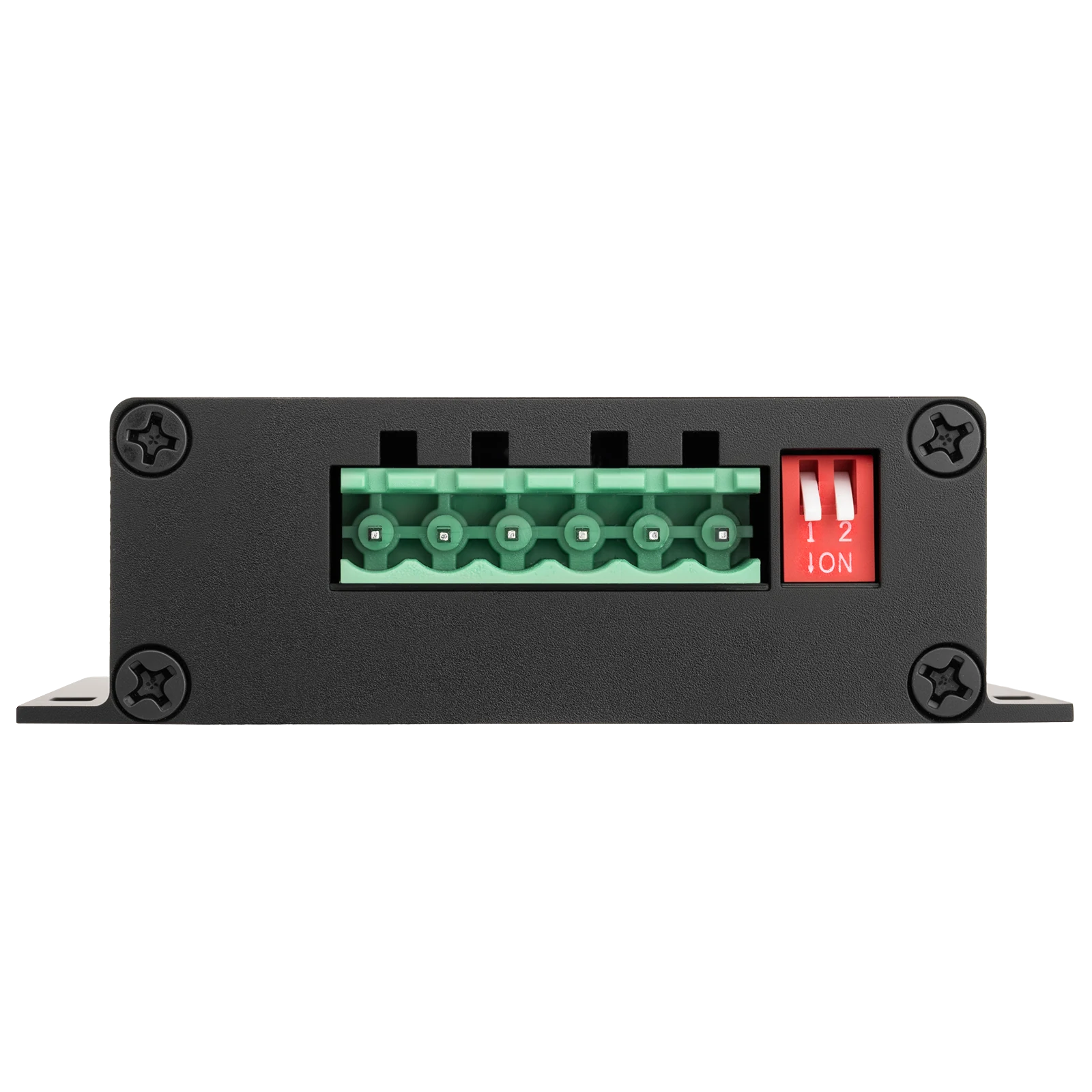
- Pluggable terminal block
- Mounting-hole enclosure
- Independent DIP termination
| Compare by | LITE-X2 | PRO-X2 | X2I |
|---|---|---|---|
| Product form | Compact portable | Desktop metal enclosure | Industrial fixed install |
| CAN connection | Shared dual-channel DB9 | Two independent DB9 | Pluggable terminal |
| Termination control | Button + RES state | Button + RES state | Independent DIP switches |
| Primary use | Mobile and routine debugging | Automotive development and test | Industrial and robotics systems |
For electrical specifications, interface definitions and current downloads, see the technical documentation for each product.
01 · CANMELEON PLATFORM
One hardware platform for setup, debugging and development
CANmeleon provides a unified entry for device discovery, status inspection, firmware management and development resources.
- Manage devicesIdentify hardware and inspect device and channel state.
- Maintain firmwareInstall, update and switch supported firmware.
- Continue into developmentMove from device setup to SDK and engineering resources.
DEVICEUSB-CANFD hardware
MANAGEDevice manager
WORKFLOWDebug and capture
DEVELOPSDK / API
CANmeleonFIRMWARE PLATFORM
CAN 1ECU / VCU
CAN 2TEST BENCH
02 · DUAL-CHANNEL CAN FDLITE-X2U / PRO-X2
Keep two networks in view at the same time
LITE-X2U and PRO-X2 provide dual-channel CAN / CAN FD access for ECU work, component tests and two-network acquisition.
2 CHIndependent CAN / CAN FD
12 Mbps*Maximum FD data-phase rate
≈ 1 μs*Hardware timestamp resolution
* The published values above currently apply to LITE-X2U and PRO-X2. Refer to the corresponding documentation for conditions and current specifications.
03 · TERMINATION CONTROL
Configure termination at the adapter, then verify the state
The portable and desktop models use a device button with RES indication. X2I provides independent DIP switches for fixed installations.
- Less rewiringConfigure the built-in 120 Ω termination without adding a separate resistor at the adapter.
- Two channels, separate stateRES1 and RES2 correspond to CAN1 and CAN2.
- Built for the environmentButton control suits portable work; DIP switches suit fixed installations.
HOSTPC / IPC
BUSCAN / CAN FD
04 · ELECTRICAL ISOLATION
Separate the host from the connected bus
The current three enclosed adapters provide an electrically isolated path between the computer side and the CAN network side.
1500 VSpecified electrical isolation
Isolation is one part of system protection. Wiring, grounding and operating conditions must still follow the product documentation.
Choose the enclosure around the engineering environment
Automotive work prioritizes portable and bench access. X2I carries the same adapter category into control cabinets and robot systems.
PRIMARY · AUTOMOTIVE
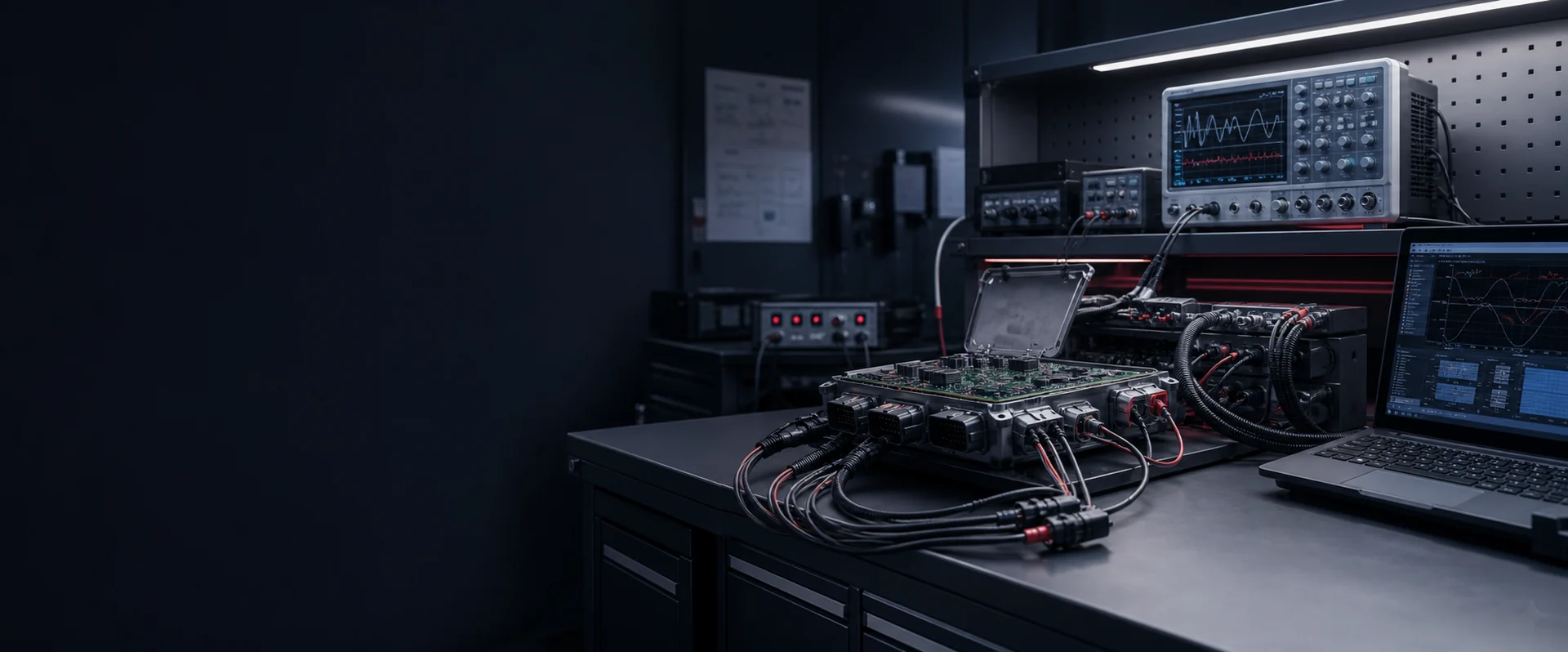
Vehicle-network development and testing
Portable debugging, ECU and component development, desktop analysis and test-bench wiring.
LITE-X2U · PRO-X2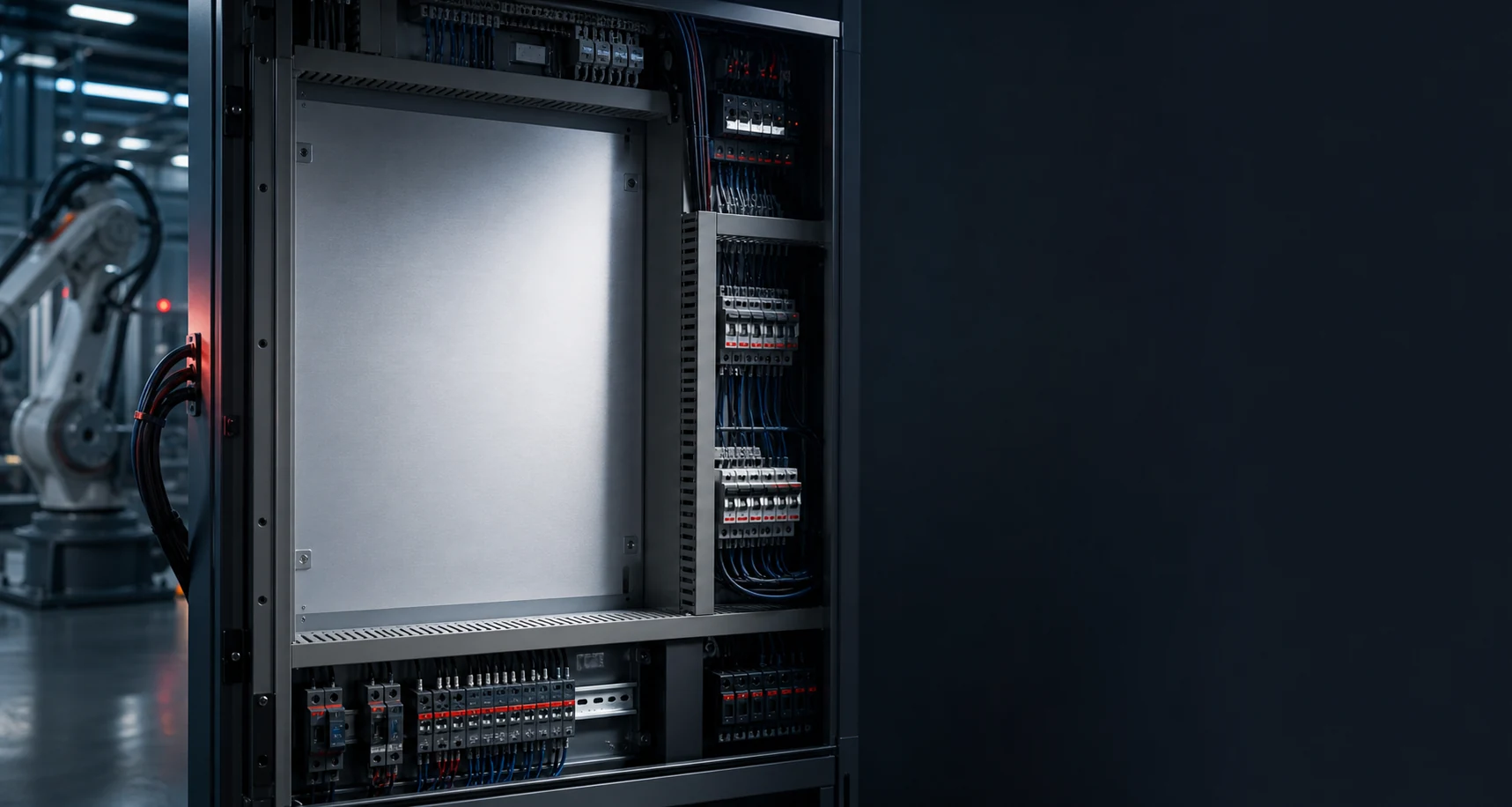
EXTENDED · INDUSTRIAL
Control cabinets and robot integration
Terminal wiring, mounting points and a removable USB connection for fixed deployment.
KH-UCANFD-X2IFrom bus access to debugging and automated development
After connecting the hardware, continue with device management, channel configuration and data capture, then bring the adapter into test and automation toolchains through SDKs and APIs.
Choose the connector and installation style.
Identify hardware and maintain firmware.
Configure channels and enter the CAN / CAN FD workflow.
Continue with SDK, API and tutorial resources.
Product documentation and development resources
Find pin definitions, dimensions, installation guidance, software downloads and troubleshooting information for each model.
LITE
KH-UCANFD-LITE-X2
Specifications, connection and operation for LITE-X2.
View resource ↗PROKH-UCANFD-PRO-X2
Specifications, DB9 wiring and resources for PRO-X2.
View resource ↗X2IKH-UCANFD-X2I
Installation, terminal wiring and industrial operation for X2I.
View resource ↗FWCANmeleon
Device management and platform documentation.
View resource ↗FAQ
Selection questions
Answers about model differences, capability suffixes and technical resources.
How should I choose among the three models?+
Choose LITE-X2 for compact mobile work, PRO-X2 for two independent DB9 connections on an automotive bench, and X2I for terminal wiring and fixed mounting.
What does U mean in LITE-X2U?+
U identifies the currently released Ultra firmware-capability edition of LITE-X2. B, P and U are optional reserved suffixes, and not every hardware model will ship in all three editions.
Where are exact rates, pinouts and downloads?+
Open the documentation from any product card or the resource section to find data rates, pin definitions, software downloads and operating guidance.
APPLICATION FIRST
Start with the bus, host and installation environment
Tell us the channel count, bus type, host system, connection method and installation environment. We will help match the right model to your application.